Product and UX definition
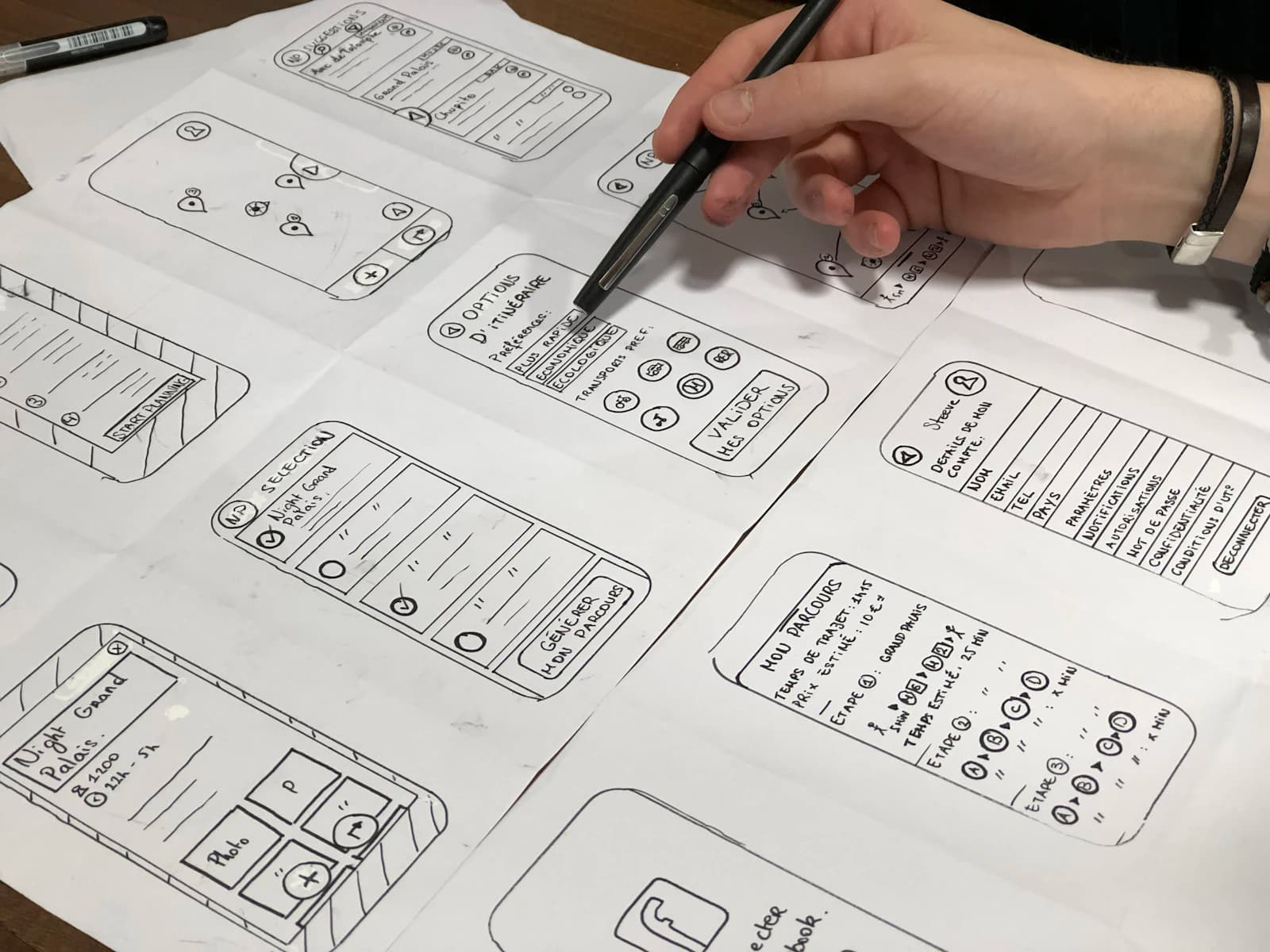
Start with the user task and operating context before choosing screens or libraries.
- User journeys and role mapping
- Wireframes and interface states
- Offline and weak-network decisions
- Accessibility and Android conventions
Native Android product delivery
Scallar helps product and operations teams turn an Android app idea into a maintainable release. We plan the workflow, device coverage, backend, integrations, analytics, QA, Play Store handover, and support responsibilities together.
Android-first or multi-platform roadmap
Device and OS coverage
Backend and API ownership
Play Store release readiness
What the engagement covers
Device coverage, reliable data flows, and a release your team can operate. The proposal names assumptions, exclusions, responsibilities, and acceptance evidence so the product can be evaluated beyond a screen count.
Start with the user task and operating context before choosing screens or libraries.
Build the app around stable contracts with the systems it depends on.
Prepare the business to own and support the product after launch.
A reviewable delivery path
Each stage resolves a different source of uncertainty. Decisions, not activity, move the project forward.
Confirm users, devices, core workflow, success events, data, and operational owners.
Prototype device features, integrations, offline behavior, or performance constraints early.
Deliver working journeys with API, admin, analytics, and error states included.
Complete device QA, Play Store preparation, monitoring, documentation, and support ownership.
Scope before estimate
A screen count cannot explain Android app scope. Device diversity, background behavior, permissions, offline states, integrations, backend rules, and release operations usually shape the estimate more than the interface alone.
Useful outputs
Prioritized journeys, platform assumptions, integration map, release boundary, and measurable events.
Approved interface, backend connections, error handling, analytics, and tested release builds.
Source access, account ownership, environment notes, release steps, and maintenance responsibilities.
Connected authority
Use these pages to compare scope, platform, QA, cost, and long-term ownership before requesting a proposal.
Questions before scoping
That depends on user device data, geography, required features, budget, and release capacity. An Android-first launch can be sensible when evidence shows that most priority users are on Android.
Scallar can scope native Android delivery as well as cross-platform options. The recommendation follows product constraints, required device capabilities, maintenance ownership, and the launch roadmap.
Yes. The scope can include secure APIs, authentication, data validation, retries, logging, and admin workflows for approved business systems.
Testing should cover target devices, OS versions, screen sizes, permissions, poor networks, API failures, accessibility, analytics, security checks, and Play Store builds.
Ownership should be written into the proposal. Scallar recommends that the client controls its Play Console, production accounts, and agreed source repositories wherever practical.
Cost depends on users, workflows, backend, integrations, device features, design, testing, release needs, and maintenance. Scallar provides a scope-based estimate after discovery.
A practical next step