Mobile application release being checked on a phone against its desktop build

Release-focused mobile quality assurance

Mobile App Testing That Covers the Journey Behind the Screen

Scallar plans mobile QA around users, devices, permissions, networks, APIs, analytics, admin actions, and release builds so teams can make a responsible launch decision.

01

Critical journey coverage

02

Device and OS matrix

03

API and failure-state testing

04

Release evidence and ownership

What the engagement covers

Delivery decisions that stay visible

Risk-based coverage across interface, integrations, data, devices, and releases. The proposal names assumptions, exclusions, responsibilities, and acceptance evidence so the product can be evaluated beyond a screen count.

Risk-based test planning

Prioritize the failures that matter to users and operations instead of collecting an unfocused test list.

  • Critical journey and data mapping
  • Device, OS, and network matrix
  • Permission and interruption scenarios
  • Release acceptance criteria

End-to-end application checks

Test the mobile interface with the systems, people, and states it depends on.

  • Functional and regression testing
  • API, authentication, and integration checks
  • Analytics and notification validation
  • Admin and operational workflow testing

Production readiness

Turn findings into a clear release decision and repeatable quality process.

  • Defect severity and triage
  • Performance and accessibility review
  • Security-focused checks within scope
  • Store build and handover evidence

A reviewable delivery path

From product question to owned release

Each stage resolves a different source of uncertainty. Decisions, not activity, move the project forward.

  1. 01

    Identify release risk

    Map critical users, journeys, data, dependencies, devices, and failure consequences.

  2. 02

    Create the coverage model

    Define environments, accounts, devices, networks, test data, responsibilities, and acceptance rules.

  3. 03

    Test complete journeys

    Exercise interface, API, integrations, analytics, permissions, interruptions, and admin responses.

  4. 04

    Triage and decide

    Report evidence by business impact, verify fixes, run regression, and support the release decision.

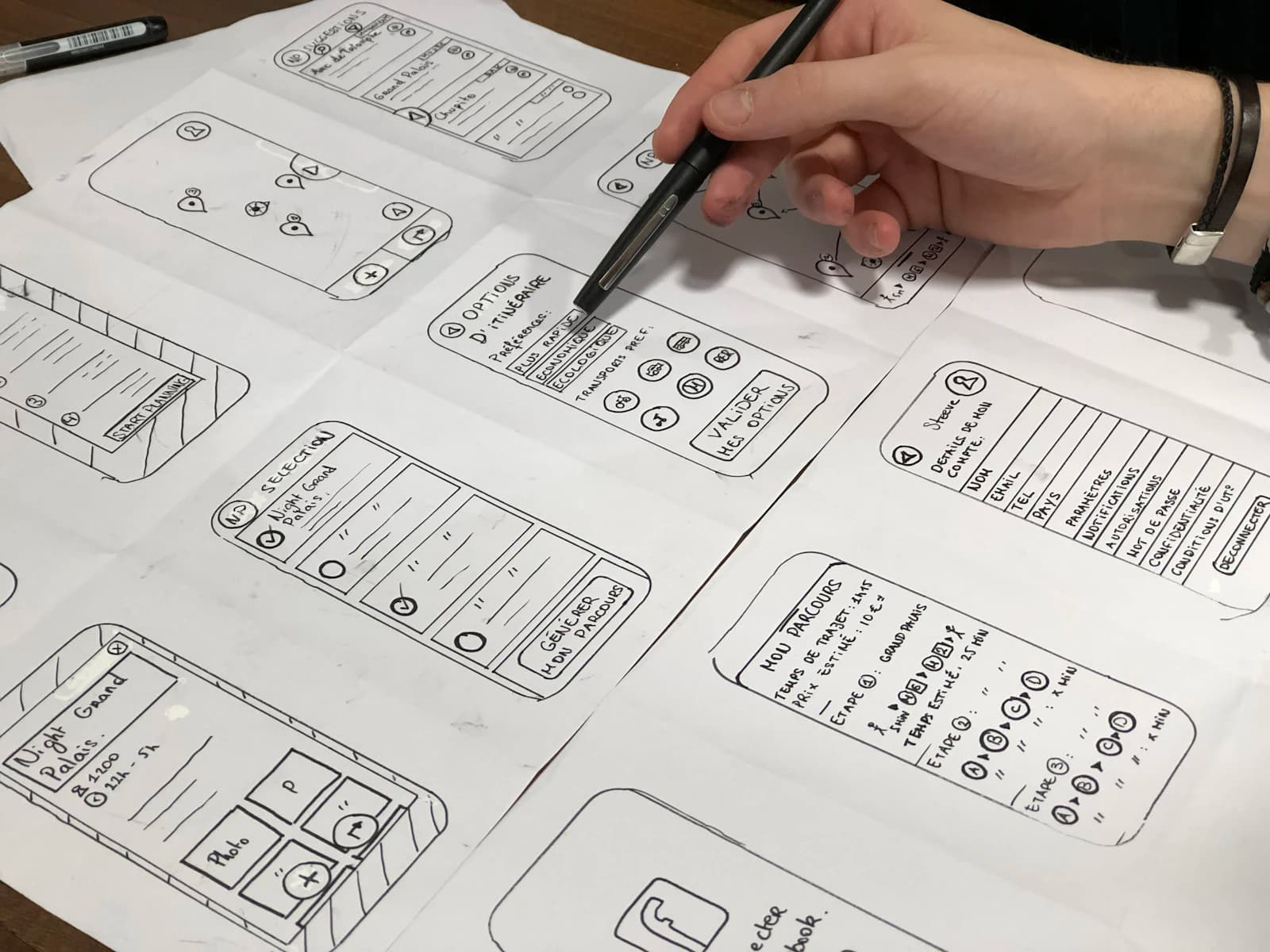
Mobile application workflow sketches used during product discovery

Scope before estimate

Quality assurance is broader than checking screens

Many damaging mobile failures live between the app and its backend, notifications, permissions, analytics, payments, or admin workflow. The QA plan should make those dependencies visible and test the failure path as deliberately as the successful path.

  • Business-critical journeys and edge cases
  • Device, OS, orientation, and network coverage
  • APIs, authentication, payments, and third parties
  • Accessibility, performance, analytics, and notifications
  • Defect triage, regression, store builds, and release evidence

Useful outputs

What your team should be able to own

01

Test strategy

Risk priorities, test matrix, environments, data, responsibilities, acceptance criteria, and exclusions.

02

Release evidence

Traceable results, defects, severity, reproduction steps, fix status, regression results, and residual risks.

03

Repeatable QA baseline

Reusable critical journeys, release checklist, device coverage, and recommendations for automation where valuable.

Questions before scoping

Frequently asked questions

What is included in mobile app testing?+

Scope can include functional, regression, device, OS, network, permission, API, integration, analytics, accessibility, performance, security-focused, and release-build checks.

Do you test both Android and iOS apps?+

Yes, when both platforms are in scope. The device and OS matrix should follow actual users, platform support, risk, and release priorities.

Can Scallar test an app built by another company?+

Yes. Access to builds, environments, test accounts, requirements, APIs, logs, and product owners affects how quickly useful coverage can be established.

Does QA guarantee a bug-free app?+

No responsible QA process can guarantee zero defects. It reduces uncertainty by testing prioritized risks, documenting evidence, and making residual issues visible before release.

Should mobile testing be automated?+

Automation is useful for stable, repeatable, high-value checks. Exploratory, usability, device, integration, and new-feature testing still need thoughtful human review.

How long does mobile app testing take?+

Timeline depends on product size, platforms, devices, build stability, integrations, documentation, test data, defect volume, and the required regression depth.

A practical next step

Bring the workflow, users, and constraints. We will help shape the release.

Review your mobile QA plan
Call UsWhatsApp