Operational discovery
Map the real work, exception paths, approvals, data owners, and constraints before interface design.
- Role and permission mapping
- Field and office workflow analysis
- System and API inventory
- Audit and reporting requirements

Connected enterprise mobility
Scallar helps enterprises and growing teams design mobile workflows that connect people in the field with approved systems, permissions, data, analytics, and support processes.
Identity and role model
Existing system integration
Offline and field conditions
Governance and support ownership
What the engagement covers
Role-aware workflows, dependable integrations, and operational control. The proposal names assumptions, exclusions, responsibilities, and acceptance evidence so the product can be evaluated beyond a screen count.
Map the real work, exception paths, approvals, data owners, and constraints before interface design.
Build mobile journeys as part of the enterprise system landscape.
Prepare users, environments, monitoring, and owners for a phased production release.
A reviewable delivery path
Each stage resolves a different source of uncertainty. Decisions, not activity, move the project forward.
Document users, systems, decisions, approvals, exceptions, and measurable outcomes.
Define identity, data contracts, integrations, offline behavior, logging, and environment ownership.
Test the highest-value journey with real users and operational data before broad rollout.
Expand by role or workflow with release controls, training, monitoring, and change ownership.
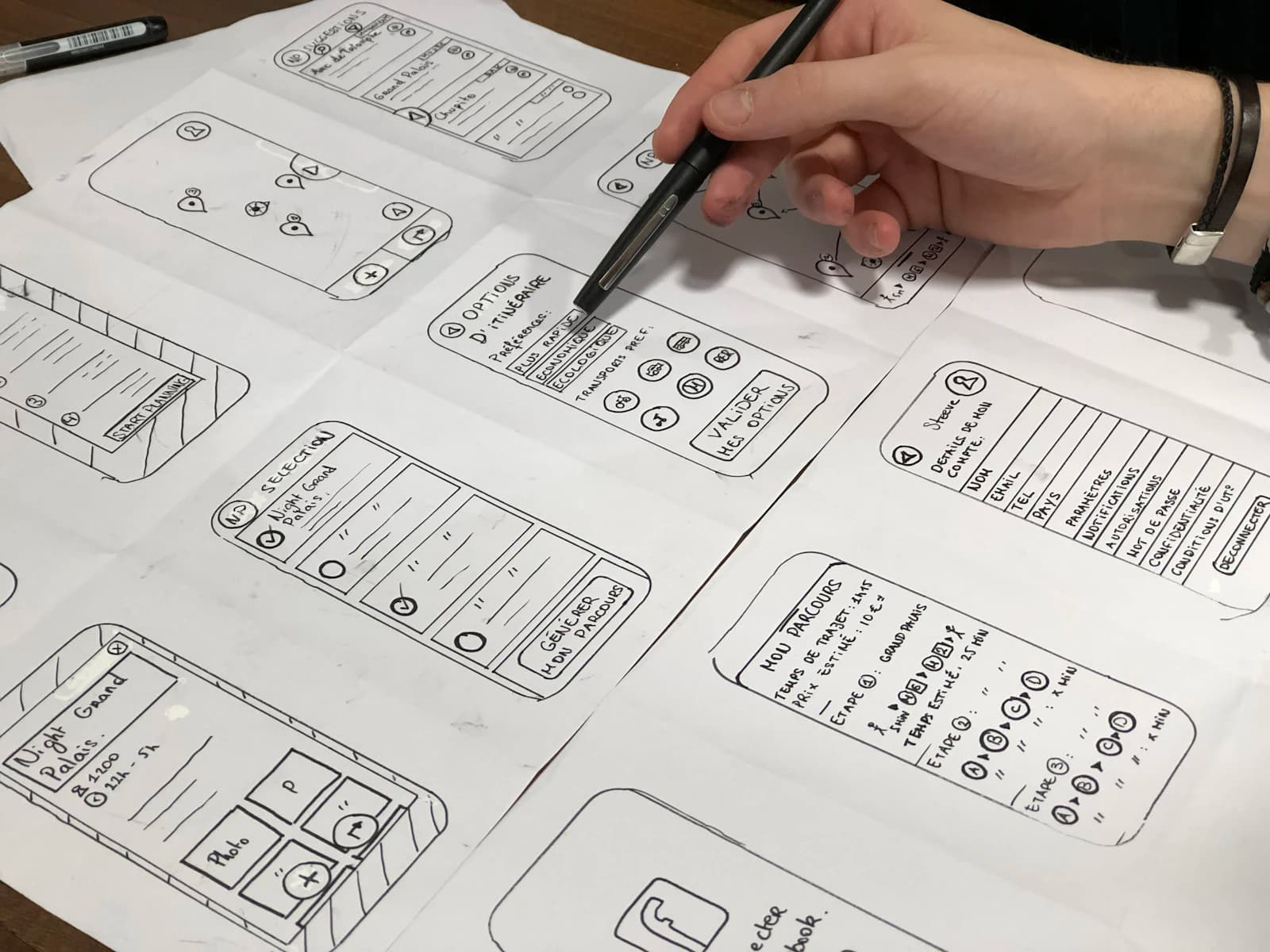
Scope before estimate
The interface may look simple while the underlying roles, integrations, data rules, security review, offline behavior, environments, and support model carry most of the delivery risk. These dependencies need owners before a reliable estimate is possible.
Useful outputs
Roles, journeys, data movement, integration contracts, exceptions, ownership, and phased scope.
Mobile experience, connected services, admin controls, analytics, error handling, and approved releases.
Acceptance evidence, release plan, documentation, training inputs, monitoring, and support responsibilities.
Connected authority
Use these pages to compare scope, platform, QA, cost, and long-term ownership before requesting a proposal.
Review the full product delivery model.
Connect approved business systems with reliable data flows.
Align the app with architecture, ownership, risk, and roadmap decisions.
Compare architecture paths for long-term ownership.
Turn roles, integrations and workflow constraints into acceptance criteria.
Prepare comparable proposals for delivery, ownership and support.
Review a connected mobile-commerce delivery model.
Questions before scoping
Enterprise apps usually require deeper identity, permissions, integrations, offline behavior, auditability, environments, support, and rollout governance than a standalone consumer app.
Yes, when suitable APIs, permissions, data contracts, rate limits, error handling, and system owners are available. Integration discovery should happen before final estimation.
Offline operation can be designed for bounded workflows. The team must define which data is stored, how conflicts are handled, when synchronization occurs, and what the user sees during failures.
SSO and role-based access can be scoped with the organization's identity provider and security requirements. Specialist certification or formal compliance work is estimated separately.
A controlled pilot with clear users, workflow, success measures, support owners, and stop-or-scale criteria is usually safer than a company-wide launch on day one.
Pricing follows workflow, identity, integrations, offline behavior, environments, security review, testing, deployment, training, and support scope.
A practical next step