Flutter suitability review
Assess the product before treating a framework as the answer.
- Device capability and plugin review
- Performance and offline constraints
- Team skills and ownership model
- Native fallback requirements
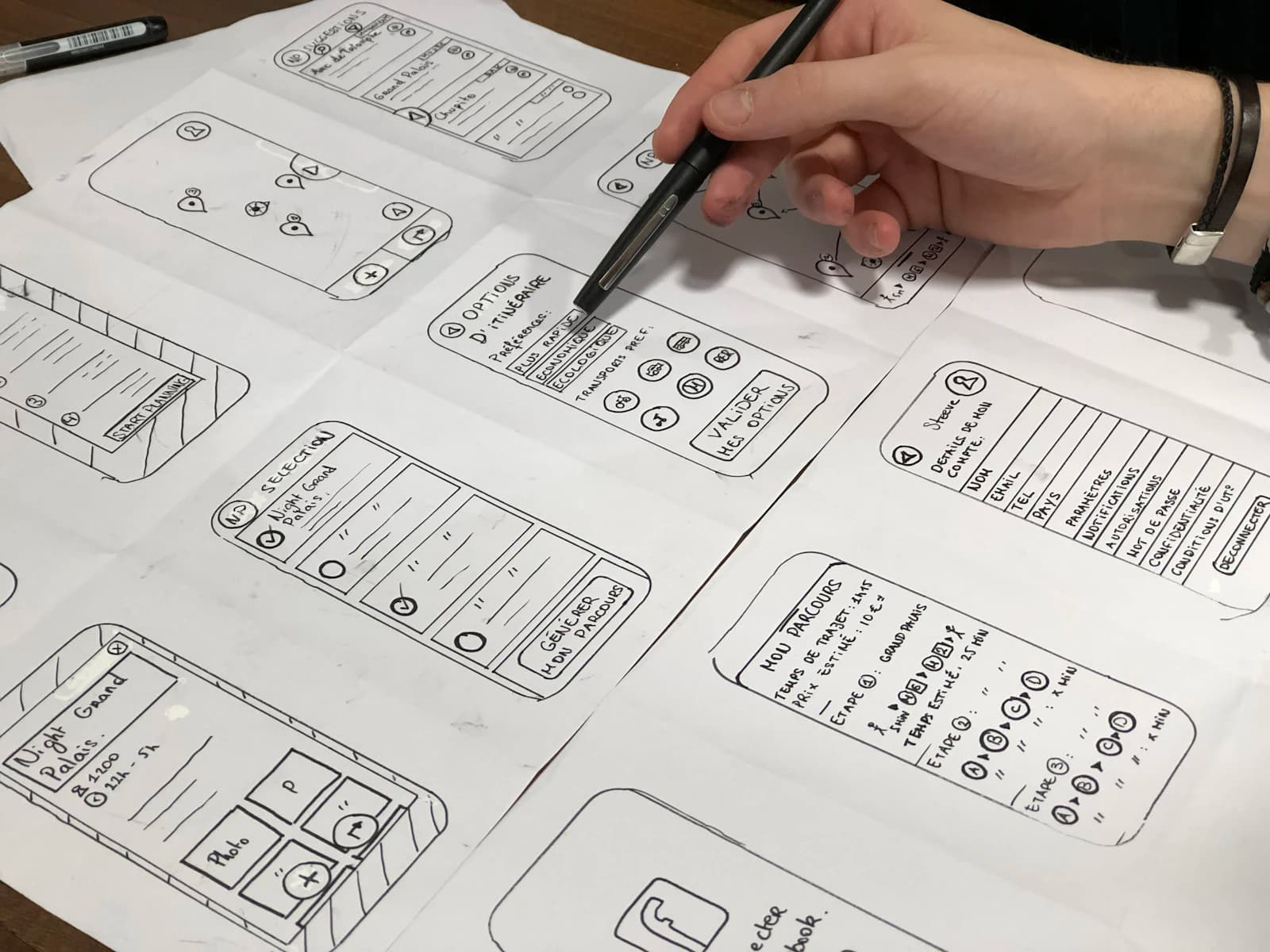
Cross-platform Flutter delivery
Scallar helps teams decide where Flutter creates real delivery value and where native work remains necessary. The scope covers product flows, plugins, APIs, testing, releases, upgrades, and long-term code ownership.
Shared codebase fit
Plugin and native-module risk
Platform-specific UX
Upgrade and maintenance ownership
What the engagement covers
One product system, explicit native dependencies, and a maintainable release path. The proposal names assumptions, exclusions, responsibilities, and acceptance evidence so the product can be evaluated beyond a screen count.
Assess the product before treating a framework as the answer.
Build common journeys without erasing Android and iOS differences.
Test both platforms as products, not only as two successful builds.
A reviewable delivery path
Each stage resolves a different source of uncertainty. Decisions, not activity, move the project forward.
Review workflows, native features, integrations, performance, accessibility, and the delivery team.
Test the plugins, platform channels, offline behavior, or device APIs most likely to affect architecture.
Keep shared product logic clear while isolating platform-specific behavior and integration code.
Test both platforms, prepare store builds, document dependencies, and assign maintenance ownership.
Scope before estimate
A shared codebase can reduce duplicated work, but it does not eliminate backend, product design, platform testing, release operations, or native integrations. A responsible estimate names those responsibilities instead of promising a fixed percentage saving.
Useful outputs
Documented reasons, constraints, native dependencies, alternatives, and ownership assumptions.
Reusable Flutter components, product logic, API layer, analytics, and tested native integrations.
Android and iOS build ownership, store preparation, QA evidence, dependency notes, and maintenance cadence.
Connected authority
Use these pages to compare scope, platform, QA, cost, and long-term ownership before requesting a proposal.
Start with the product and delivery model before selecting a framework.
Compare the two frameworks against business constraints.
Review the alternative shared-code approach.
Plan platform, plugin, device, and release testing.
Questions before scoping
No. It suits many products, but requirements involving specialized native SDKs, strict platform behavior, unusual performance constraints, or team ownership may justify native development.
Yes. Android and iOS still require separate signing, store accounts, metadata, review preparation, testing, and release management.
It may reduce duplicated interface and product-logic work, but the effect depends on native integrations, backend scope, platform differences, testing, and maintenance. It should not be treated as a guaranteed percentage saving.
Yes. A Flutter app can use approved APIs for authentication, content, transactions, CRM, analytics, and business workflows, with error handling and monitoring included in scope.
Review package maintenance, platform support, security history, release cadence, and replacement options. Critical integrations should be isolated so they can be changed without rewriting the whole product.
The answer depends on product constraints, required native modules, team skills, UI behavior, test strategy, package ecosystem, and long-term ownership.
A practical next step